 Sudoku Zen
Privacy Policy
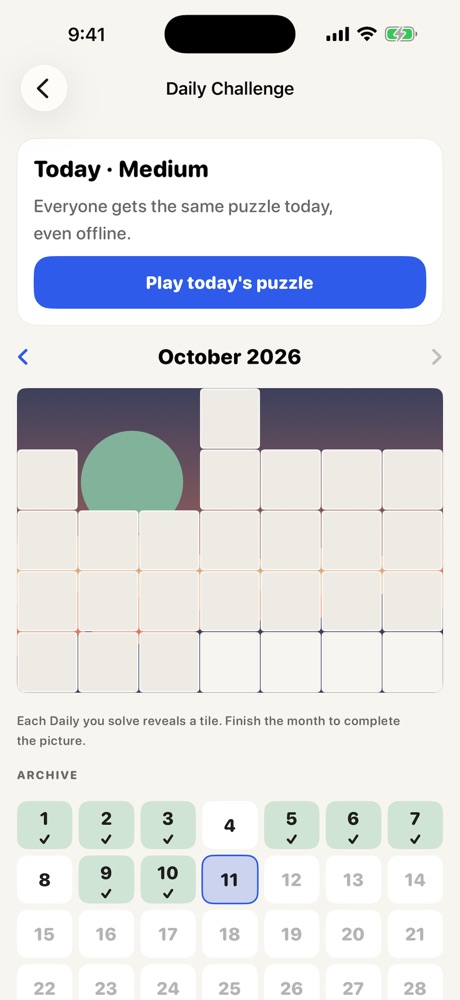
Effective 17 October 2026The short version: Sudoku Zen does not collect, store or share any personal data. There's no account, no ads, no analytics and no tracking. Your games and stats stay on your device.
Who we are
Sudoku Zen ("the app", "we", "us") is a Sudoku game for iPhone and iPad. This policy explains what happens to your information when you use the app and this website. Questions? Email privacy@sudokuzen.app.
Information we collect
We don't collect any personal information. We don't run servers that receive data from the app, and the app contains no analytics, advertising or crash-reporting software from us or from third parties.
Information stored on your device
To work, the app saves the following on your device only:
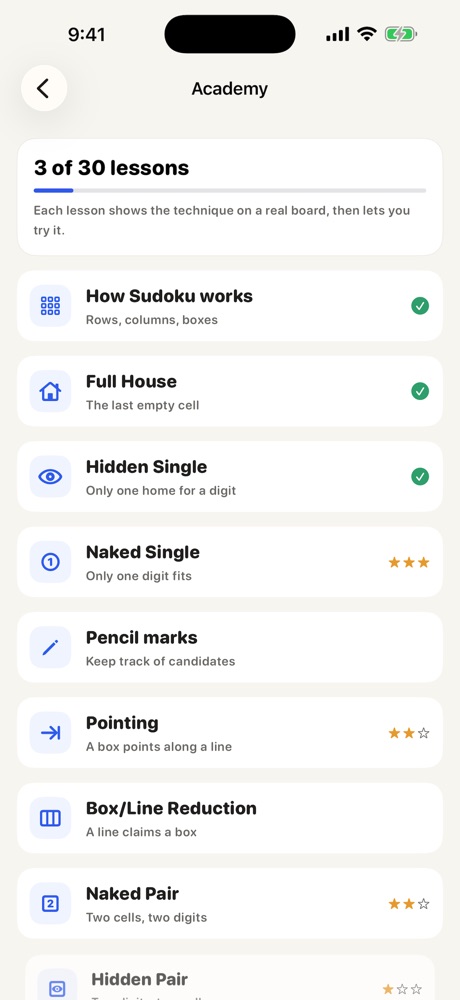
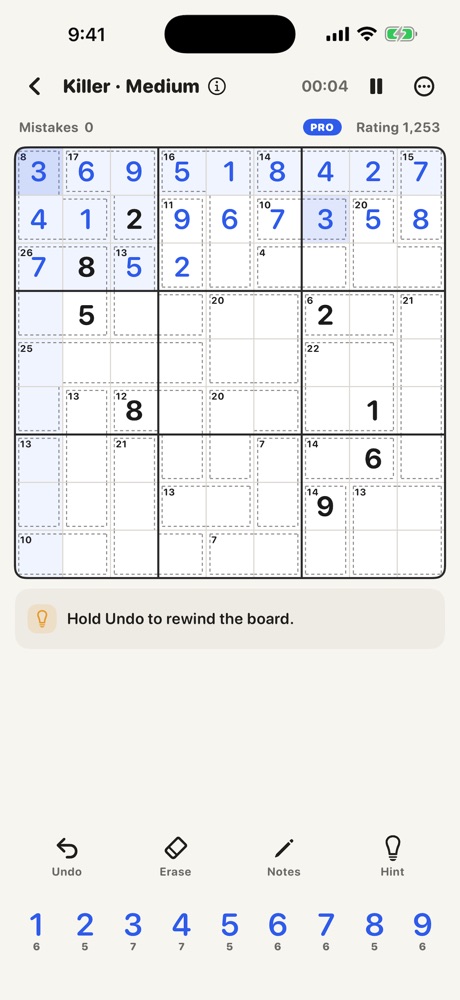
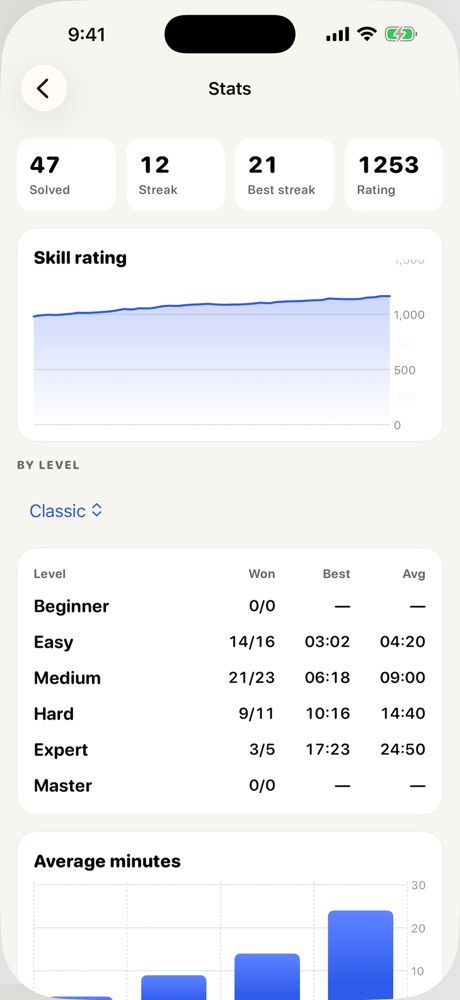
- Games in progress, finished puzzles, statistics, streaks, awards and your skill rating
- Player profiles, including names you type in and Kids profiles
- Your settings, such as theme, sounds and accessibility options
- A small summary for widgets and the Live Activity, shared only between the app and its own widgets
This information isn't sent to us. It's included in your device backups under Apple's control, and it's deleted when you delete the app. You can export it at any time with Settings ▸ Data ▸ "Export my data".
Camera and photos
If you choose to scan a printed puzzle, the app asks for access to your camera or to a photo you pick. The image is processed on your device to read the digits, then discarded. Images are never uploaded or stored by the app. You can change these permissions any time in iOS Settings ▸ Sudoku Zen.
Apple services
The app uses some optional Apple services. When you use them, Apple handles the data under the Apple Privacy Policy. We don't receive your personal information from them.
| Service | Used for | What we receive |
|---|---|---|
| App Store & StoreKit | Buying, restoring and managing Pro | Only whether Pro is active on this device. No payment or contact details. |
| Game Center (optional) | Leaderboards and achievements | Nothing. Scores go to Apple under your Game Center profile. You can turn it off in Settings. |
| iCloud (optional, when available) | Syncing progress between your own devices | Nothing. Data is stored in your private iCloud account, which we can't access. |
| Siri, Shortcuts, Widgets, Handoff | Starting games and showing progress | Nothing. These run on your device. |
Puzzle share codes and links
When you share a puzzle, the code or link contains only the puzzle's digits. It doesn't include your name or any other information about you.
Tracking and advertising
The app doesn't track you across apps or websites, doesn't use the advertising identifier, and shows no ads.
Children
Sudoku Zen is suitable for all ages. Because we don't collect personal information from anyone, we don't knowingly collect personal information from children under 13 (or the equivalent age where you live). Kids profiles show no purchase prompts, and any purchase still needs the Apple Account holder's approval, including Ask to Buy for Family Sharing.
This website
This website sets no cookies and uses no analytics or third-party trackers. It loads fonts from Google Fonts, which receives your IP address to deliver them. Our hosting provider may keep standard server logs (such as IP address, browser type and time of visit) for a short time for security and reliability. We don't use these logs to identify you. If you contact us, we use your name, email and message only to reply, and delete them when they're no longer needed.
Your rights
Depending on where you live, laws such as the GDPR, UK GDPR and CCPA/CPRA give you rights to access, correct, delete or move your personal data, and to object to its use. Since we hold no personal data from the app, there's usually nothing for us to hand over or delete. It's all under your control on your device. For any request or concern, email privacy@sudokuzen.app. You can also complain to your local data protection authority.
Security and retention
Your data is protected by your device's own security, such as your passcode and iOS data protection. It's kept until you delete it or delete the app.
Changes to this policy
If we change this policy, we'll update the date at the top. If a change means the app starts collecting data, we'll tell you in the app before it happens.